
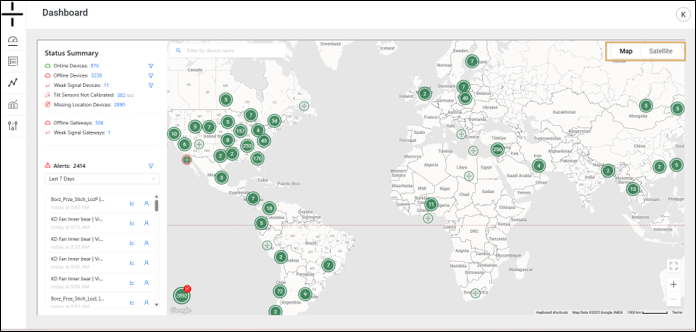
In order to provide GPS location, Atoms rely on the satellite network that orbits the earth. If an accurate GPS location is needed, Atoms should be placed with a clear view of the sky.
Stand-alones (devices starting with AT-U) and Gateways (devices starting with GW) do not update GPS location immediately when they are relocated. Atoms attempt to secure GPS location every 48 hours.
-Once a device is moved, it can take up to 48 hours for the location to update
-If it is moved to another location that does not have sufficient GPS strength to capture the new location, the location will not update/change in the dashboard.
-Atoms do not retry to secure GPS location again until 48 hours have passed if a location was not identified.
Atoms may show an incorrect dashboard location if the Atom was unable to receive a GPS signal or updated GPS coordinates at the next time when securing a location is attempted.
Atoms are not track/trace devices and should not be used as such.
There is no option to “ping” for location or to force the Atom to retry to secure a GPS location.
Establishing location for the AT-C1.0 and the AT-R1.0 Atoms using BLE to communicate with an Atomation Gateway
These Atoms will provide GPS location only if the app is connected to the Atom via bluetooth (indication is shown on the app) during installation by connecting to a device. Go to device settings (left upper corner on the app) and press “GET” location at the bottom of the screen.
If this does not occur, these devices will not show a GPS location. Their location can be manually added to the dashboard at any time by typing the GPS coordinates on the Device Settings page.