
Go to https://www.atomation.net and click the login button on the far right of the navigation bar, or type in: https://dashboard.atomation.net/auth/login
Use the provided login credentials from Atomation. These are the same credentials used for the Atomate It! app.
Additional links:
- Download the iOS App
- Download the iOS User Guide
- Download the Android App
- Download the Android User Guide
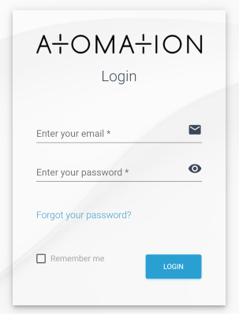
Credentials are sent via email when devices ship from Atomation. Please contact support@atomation.net if you are unable to access your account.