
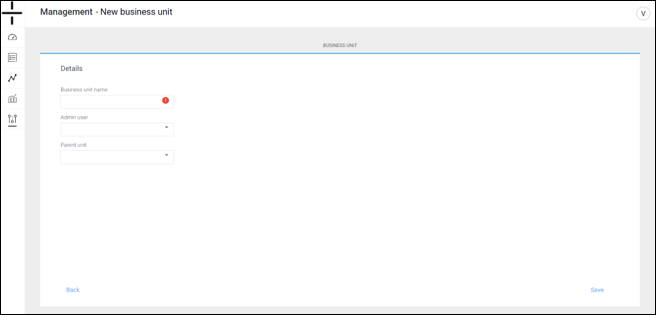
Click on the Add new button from the User screen and select Business Unit.
First select the Admin User that should own the business unit (the second field) and then enter the name you wish to use for the Business Unit. Lastly, select the parent unit for the new business unit you are creating. Then click save.
NOTE: Business Units CANNOT be deleted once created. Please consider carefully which teams and team members should be added and then create the necessary units to support them. Users can, however, move devices between Business Units and change associated users and devices within and across Business Units as needed.