

- Status Summary: Shows online/offline devices, weak signal devices, and other critical information
- Alerts: Displays recent alerts with options to view graphs and alert recipients
- Map: Shows the GPS location of Stand-Alone units and Gateways
- Device Search: Filter devices by name using the search bar
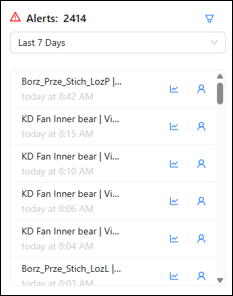
- View recent alerts on the Dashboard home page
- Change the date selector
- Click the device name to view it on the map
- Click the graph icon to see the trend for the last 30 days (from the date of the alert)
- Click the person icon to see who on your team received alerts